When Should a Business Upgrade Its Software Stack?
How growing businesses decide between connecting existing systems and replacing them — costs, risks, and a practical checklist.
June 2026 · 11 min read
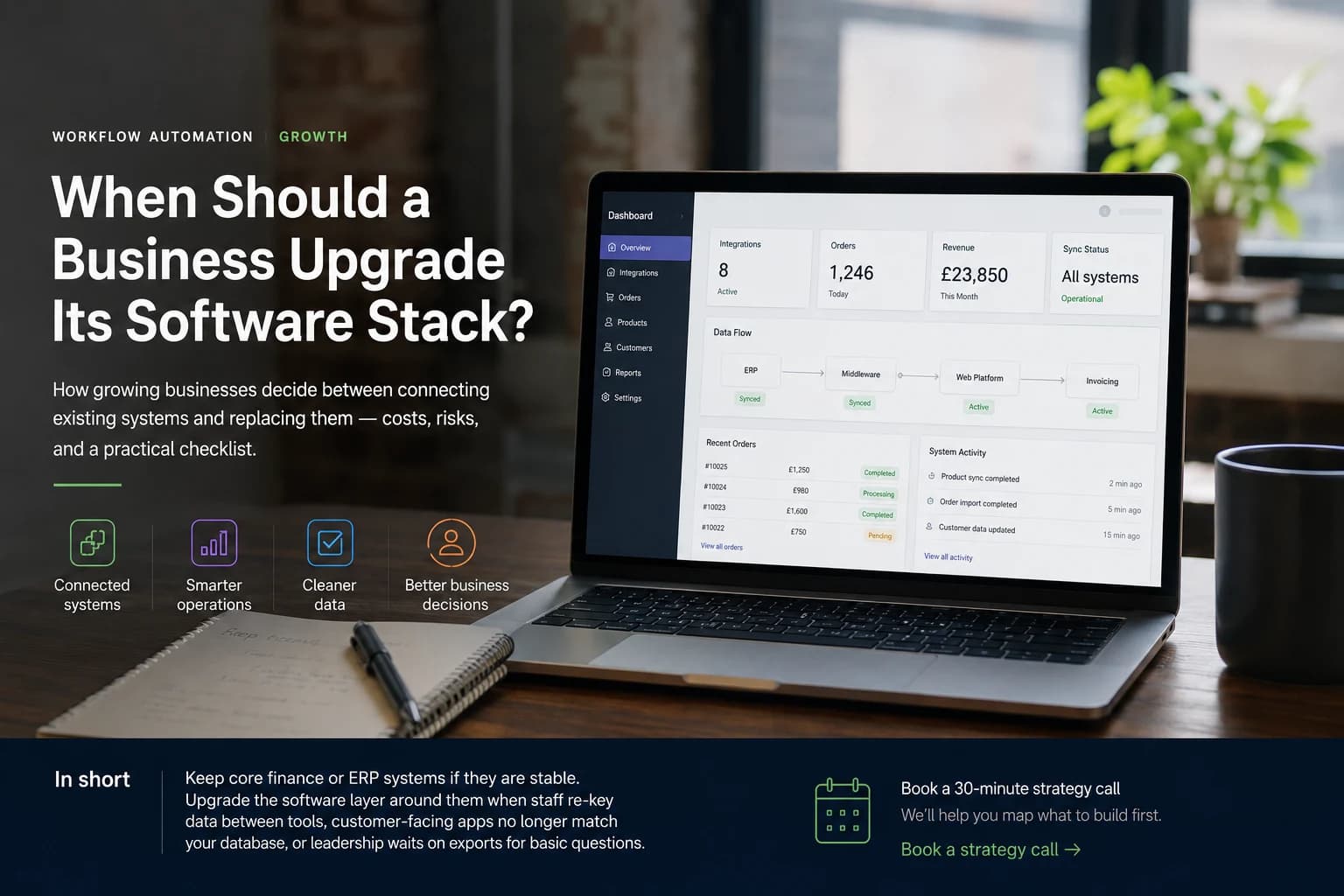
Teams rarely call us because their accounting software failed. They call because ordering, operations, and reporting run on separate tracks — and the gap shows up every week as duplicate entry, stale records, and delayed decisions.
What counts as a software stack upgrade?
A business software stack upgradeUpdates how data moves between your core systems, how customers and staff interact with software, and how reporting reflects reality. That can mean migrating to cloud ERP — or, more often, building integrations and internal tools so existing systems share one source of truth.
The decision is not "which platform replaces everything?" It is which change removes the most manual work without disrupting systems that already pass audit. NuvonHub delivers custom software and automation at that decision point — when operations still run, but the software around them no longer matches how work actually happens.
Four paths growing businesses take
| Approach | Who it suits | Year 1 cost | Workflow fit |
|---|---|---|---|
| Keep core system + custom integration | Large datasets; finance or ERP must stay put | £8k–£35k build + hosting | Strong — built around your actual process rules |
| Core system + off-the-shelf middleware | Simple sync; few data or pricing exceptions | £3k–£12k/yr in subscriptions | Weak once edge cases and partial workflows appear |
| Full platform migration | Multi-entity, international, or complex group reporting | £25k–£120k+ implementation | Good when live — long road to get there |
| Light cloud tools only | Small data volume; minimal process complexity | £500–£3k/yr licences | Poor at scale or custom business logic |
What changed on a live integration project
On a recent ERP-to-platform integration project, the source system held 13,602 Sage SKUs. The customer-facing layer had fallen behind: 7,295 inactive candidates still cluttered the database, thousands of active records had no web presence, and staff copied data between platforms by hand.
- 13,602 Sage SKUs reconciled against the live application layer.
- 7,295 inactive candidates flagged; removed or set inactive on web after client sign-off.
- 2,291+ live web products updated with structured metadata for search and AI surfaces.
- Order flow rebuilt so web transactions reach invoicing with less re-keying — core finance unchanged.
When to upgrade now
Signals to act
Staff spend more than 8 hours a week entering the same data in two places.
Customer-facing software disagrees with your database on more than 20% of active records.
Exception workflows live in spreadsheets instead of your systems.
You cannot answer basic performance questions without asking someone to export a file.
New hires are hired mainly to move data, not serve customers.
You need multi-site, multi-currency, or group reporting your stack cannot produce.
When to wait
Reasons to hold
Compliance and year-end reporting are stable — no regulatory pressure to move.
The pain is the front-end app or data quality, not core system logic.
Most transactions still arrive offline — fix capture before replacing finance.
You run fewer than 500 active records from one location.
The team cannot spare 3–6 months of focus for a full platform migration.
How a structured upgrade runs
- Document the workflow your team actually follows — channels, exceptions, approvals.
- Reconcile master data to applications: active, obsolete, and missing records.
- Build integrations using your business rules — not a generic template.
- Pilot on one user group or data slice before a full rollout.
- Train staff on exceptions. Automation should remove repetition, not hide complexity.
What to budget
A focused integration bridge for a mid-size UK business typically lands between £12,000 and £35,000 for a first release — data cleanup, workflow automation, and an ops view included. Full platform replacement often starts at £40,000 and can pass £100,000 once migration, training, and parallel running are priced honestly.
Next in this series
Tomorrow: how much a business website costs in the UK in 2026 — tiers, line items, and what drives the quote up.
Frequently asked questions
- What is the best software stack for a growing business?
- For most established businesses, the best move is a connected layer: core finance or ERP for records, custom apps for customer and staff workflows, and integration that keeps data accurate. Full platform migration fits when complexity has genuinely outgrown what you run today.
- Can we keep our ERP and build new software on top?
- Yes. Many businesses run separate finance and customer-facing systems. The work is reliable sync on records, prices, status flags, and transactions — plus workflows that match how your team actually operates.
- How long does a software stack upgrade take?
- An integration-first project with data cleanup often produces usable results in 8–14 weeks. Full platform replacement commonly runs 6–18 months, depending on data volume, quality, and manual exceptions.
- Should we migrate to cloud ERP or connect what we have?
- Connect first when finance works and the pain is data quality, customer apps, or workflow. Move to cloud ERP when you need group consolidation, international operations, or compliance features your current stack cannot reach.
- What did NuvonHub deliver on the integration case study?
- 13,602 Sage SKUs analysed, 7,295 inactive candidates flagged, removed or set inactive on web after client sign-off, structured metadata on 2,291+ live web products, and order workflows with less re-keying — documented in the published case study.